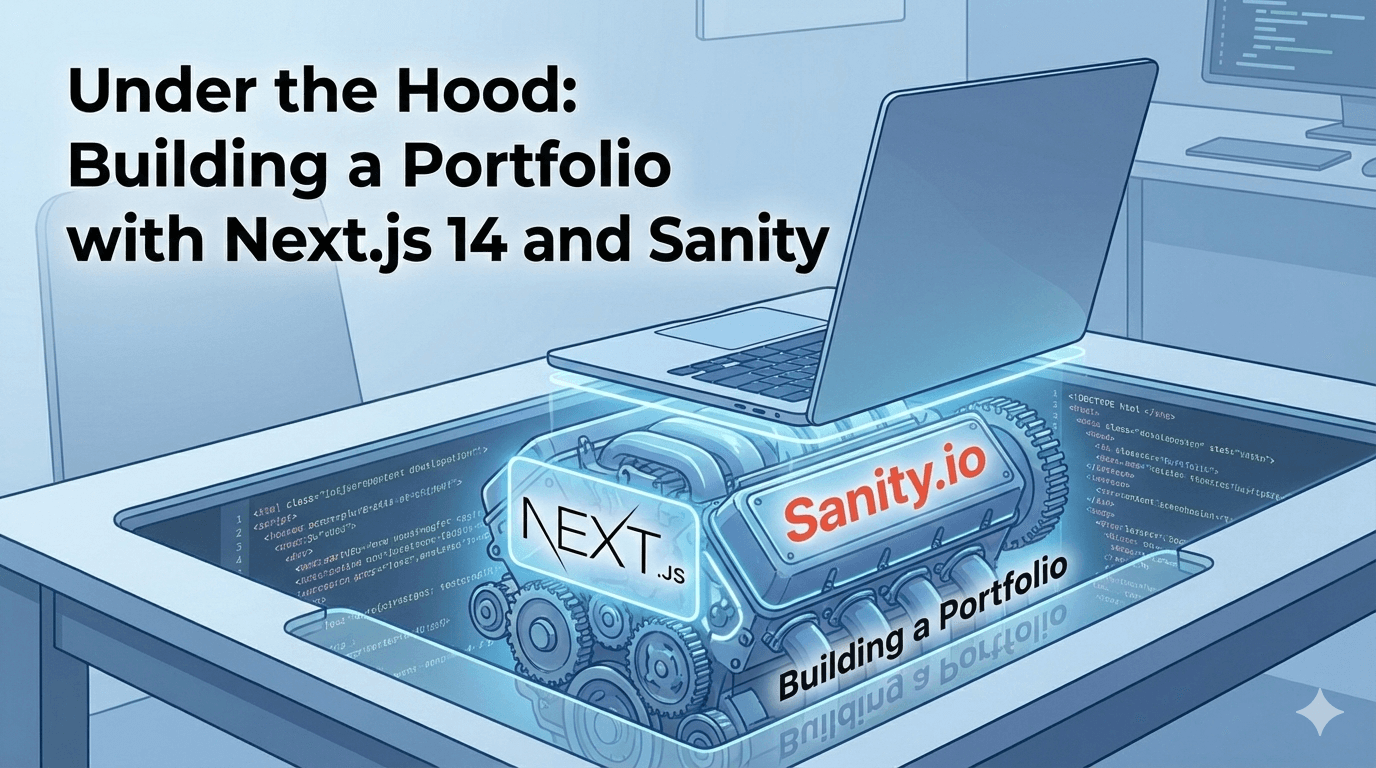
Under the Hood: Building a Portfolio with Next.js 14 and Sanity
A full retrospective on the tech stack used to build this website. I discuss the architectural decisions behind using Next.js App Router, the flexibility of Sanity CMS, and optimizing animations with Framer Motion.
Jan 6, 2026
•1 min read
A full retrospective on the tech stack used to build this website. I discuss the architectural decisions behind using Next.js App Router, the flexibility of Sanity CMS, and optimizing animations with Framer Motion.
When I set out to build this portfolio, I didn't just want a resume hosting site; I wanted a playground to demonstrate my frontend capabilities. As an SDET, understanding the application under test is crucial, and what better way to understand than to build?
The Stack
- Framework: Next.js 16 (App Router)
- CMS: Sanity (Headless)
- Styling: Tailwind CSS
- Animation: Framer Motion
- Deployment: Vercel
Why Headless CMS?
I didn't want to redeploy my code just to fix a typo or add a new project. Sanity creates a separation of concerns: my content lives in the cloud, structured as data, while my code focuses purely on presentation. With GROQ (Graph-Relational Object Queries), I can fetch exactly what I need. For example, grabbing my latest 3 featured projects looks like this:
*[_type == "project" && featured == true][0..2]{
  title,
  description,
  "imageUrl": image.asset->url
}
Performance Optimization
A portfolio must be fast. I utilized Next.js
Image component to automatically serve WebP formats and handle lazy loading. I also implemented route pre-fetching. The result? A perfect 100 on Google Lighthouse.
Conclusion
Building this site taught me that the lines between "Developer" and "Tester" are blurring. To test modern web apps effectively, you need to think like a developer.