Pixel Perfect: Catching UI Bugs with Visual Regression
Functional tests check if it works; visual tests check if it looks right. Learn how to prevent CSS regressions using tools like Percy and Playwright's built-in comparison engine.
Jan 6, 2026
•2 min read
Functional tests check if it works; visual tests check if it looks right. Learn how to prevent CSS regressions using tools like Percy and Playwright's built-in comparison engine.
You deploy a small CSS fix to change the padding on a button. It looks great on your screen. But on the production site, you accidentally shifted the entire navigation bar down by 10 pixels, covering the "Book Now" button on mobile devices.
Your functional E2E tests passed because the button exists in the DOM and is technically clickable via JavaScript. But a real user couldn't see it. This is why we need Visual Regression Testing.
What is Visual Regression?
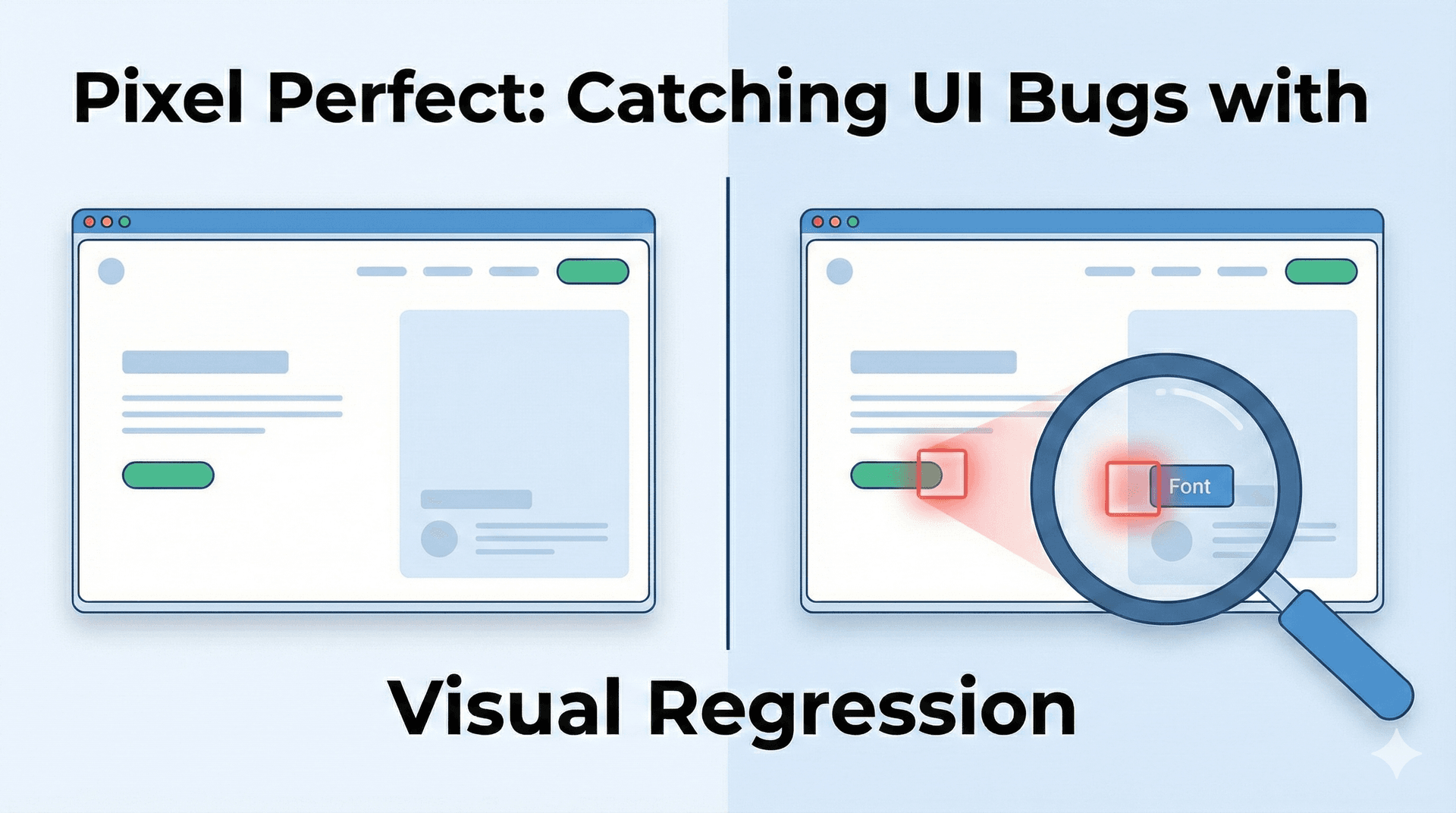
Visual testing captures a screenshot of your UI and compares it pixel-by-pixel against a "baseline" image (a simplified "golden master" of what your site should look like). If even a few pixels change—font size, color, spacing—the test fails.
Implementing with Playwright using Snapshots
Playwright has built-in support for this!
import { test, expect } from '@playwright/test';
test('homepage looks correct', async ({ page }) => {
  await page.goto('https://mefolio.com');

  // Captures a screenshot and compares it to 'homepage-snapshot.png'
  await expect(page).toHaveScreenshot('homepage-snapshot.png', {
    maxDiffPixels: 100, // Allow tiny rendering differences
  });
});
The Workflow
- First Run: The tool takes a screenshot. Since there is no baseline, it saves this as the "Base".
- Subsequent Runs: It takes a new screenshot and overlays it on the Base.
- Review: If they differ, the CI pipeline warns you. You then look at the "Diff" image.
- If the change was accidental (a regression), you fix the bug.
- If the change was intentional (a redesign), you "Approve" the new screenshot as the new baseline.
This catches the subtle UI bugs that manual testers often miss after staring at screens for hours.