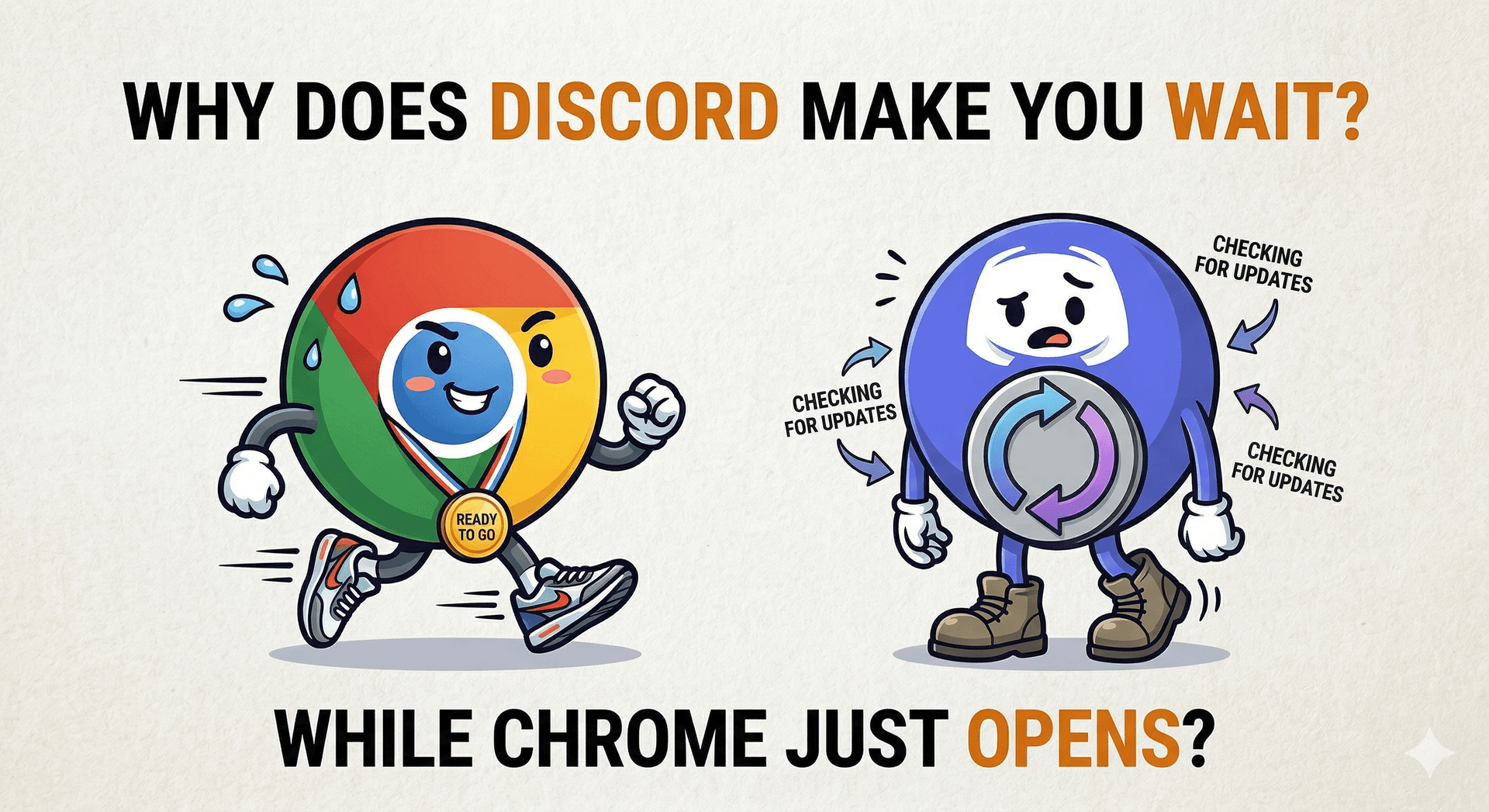
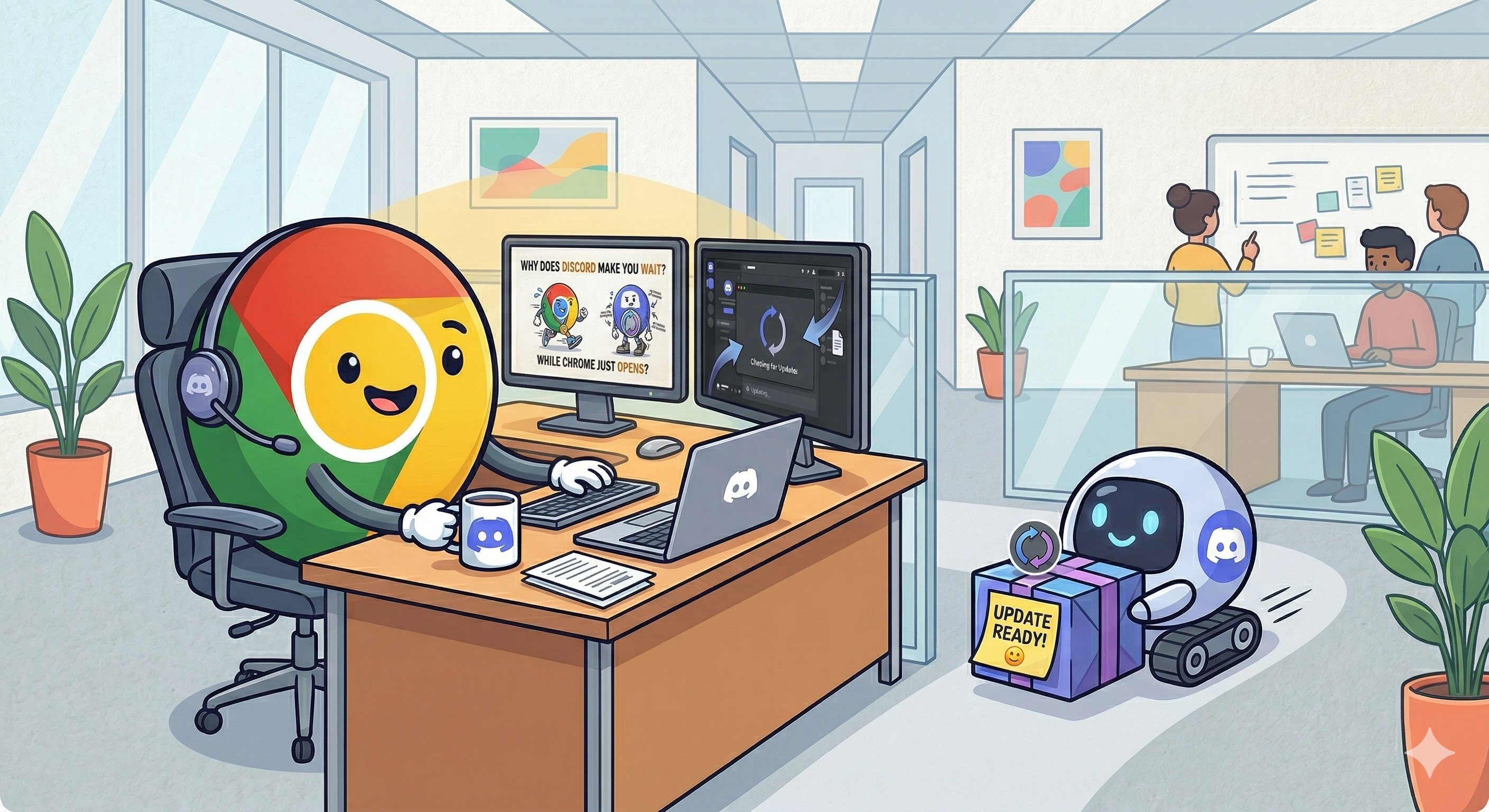
Why does Discord make you wait while Chrome just opens?
Click Discord, and you wait. Click Chrome, and it's just there. Both apps update themselves automatically — so what's the difference? It comes down to when the update happens.
Mar 24, 2026
•3 min read
Click Discord, and you wait. Click Chrome, and it's just there. Both apps update themselves automatically — so what's the difference? It comes down to when the update happens.
How apps update themselves
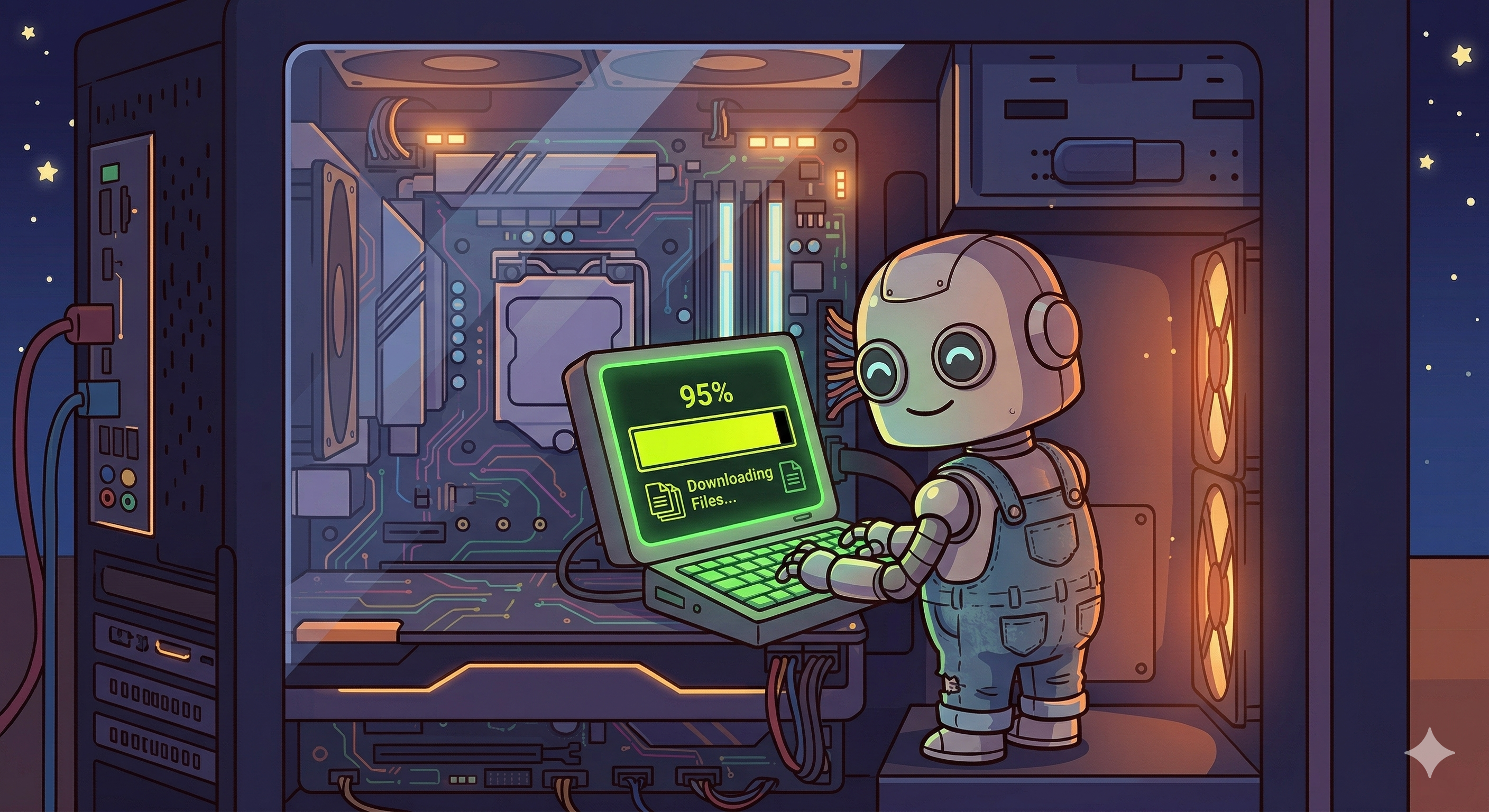
Most modern desktop apps don't need you to go download a new version manually. They install a small background process that does it quietly — wakes up on a timer or at launch, asks the company's server if there's anything newer, and if so, pulls the package down to a temp folder while you're doing something else.
The interesting part isn't the download. It's what happens after. When does the app actually apply it? That's where Discord and Chrome go completely different directions.
Discord: update first, then open
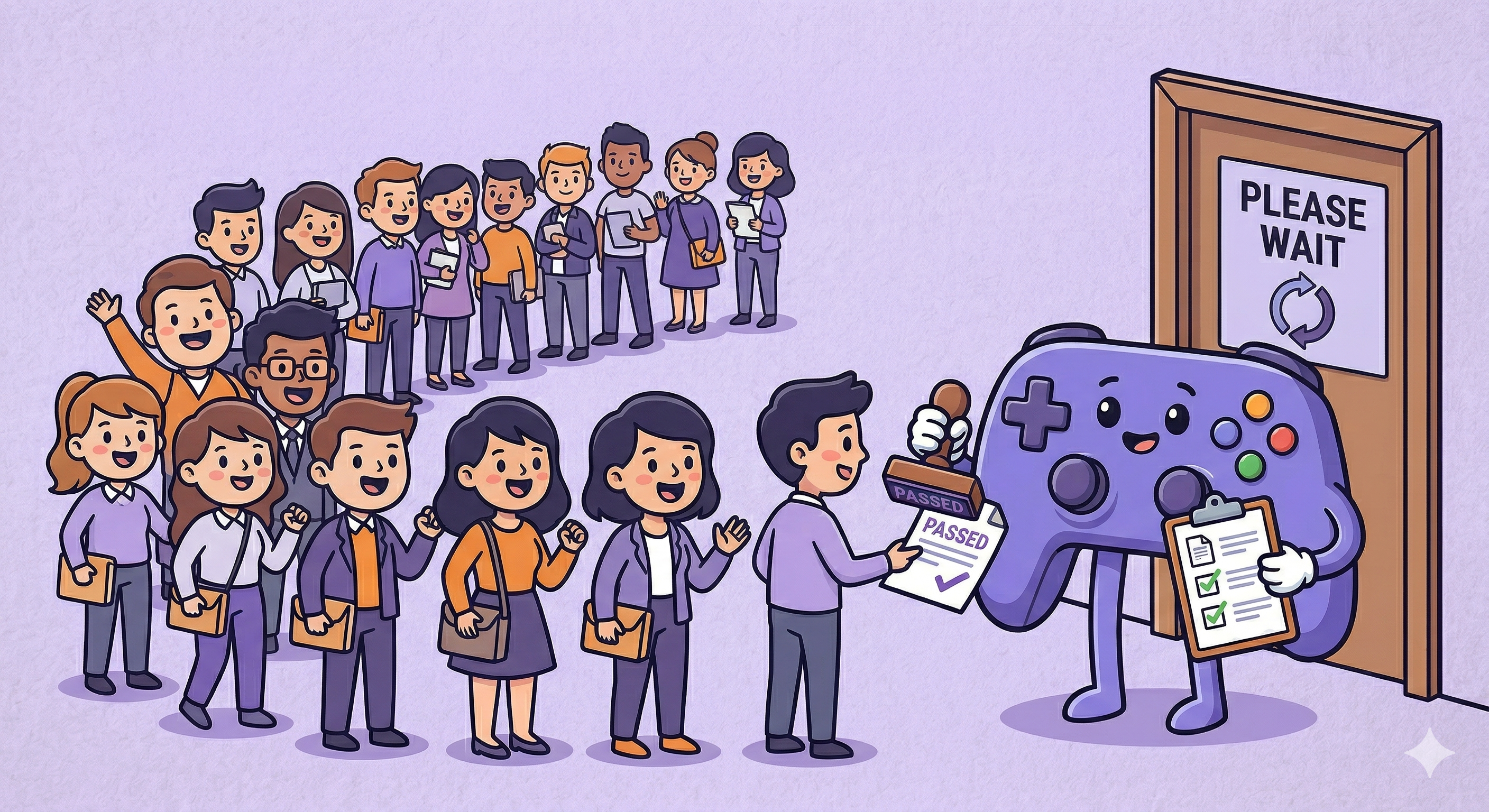
When you click the Discord icon, you're not launching Discord. You're launching a small program called Update.exe.
It runs first. Checks for updates, applies anything it finds, then hands off to the actual app. That loading animation you see every time Discord opens? That's Update.exe. You're literally watching the update happen.
The tradeoff is a few seconds every launch. The upside is you never have to think about it — no prompts, no "restart when convenient" banners, no colored arrows. You open Discord, you're on the latest version. That's the whole deal.
One side effect worth knowing: Discord keeps each version in its own folder, something like app-1.0.9154. The old one stays on disk until the new one is confirmed working. Sensible, but it's also why your AppData folder can quietly grow to a few gigabytes if you never clean it out.
Chrome: open now, sort it out later
Chrome just opens. A background service called GoogleUpdate handles the downloading completely separately, while you browse, without Chrome itself being involved.
When a new version is ready, a small arrow shows up in Chrome's menu. Green if it's fresh. Orange if it's been waiting a while. Red if Chrome has been politely asking you to restart for so long it's given up on polite.
You decide when. Finish what you're doing, close everything, relaunch — done. But if you're someone who leaves Chrome open for weeks at a time (no judgment), that prompt can just sit there forever.
Why each app chose this
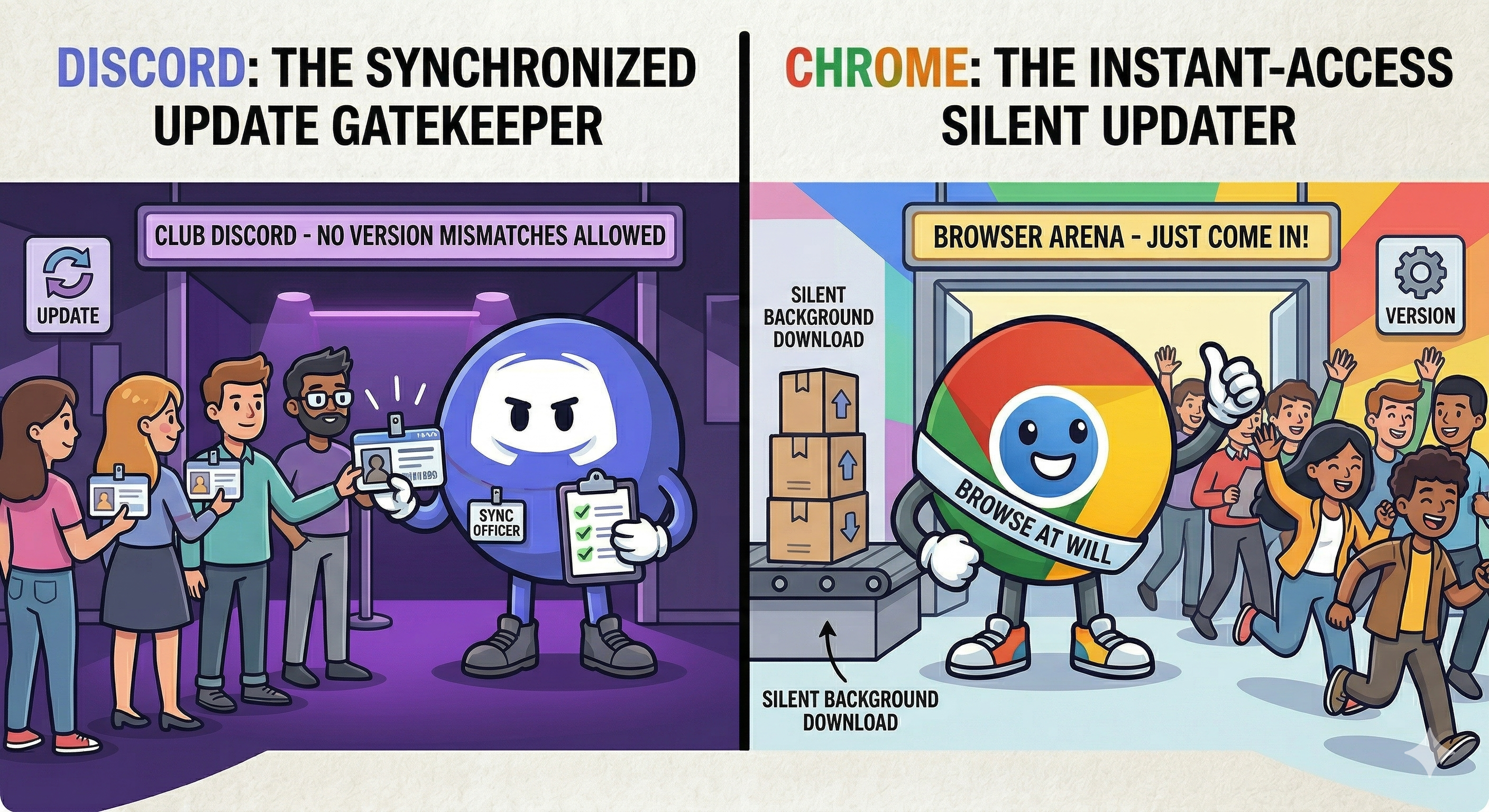
Discord is a real-time communication platform. Voice calls, live features, server tools — these depend on everyone running compatible versions. If you're on a build from three weeks ago and the person you're calling is on the current one, things can break in weird ways. Forcing the update at launch means everyone on Discord is always speaking the same version of the language, technically speaking.
Chrome is a browser. The websites you visit don't care if you're on Chrome 120 or 121. There's no real-time handshake between your browser and someone else's. So Chrome can afford to step back — grab the update quietly, let you know it's there, and let you pick the moment.
You'll start noticing this everywhere
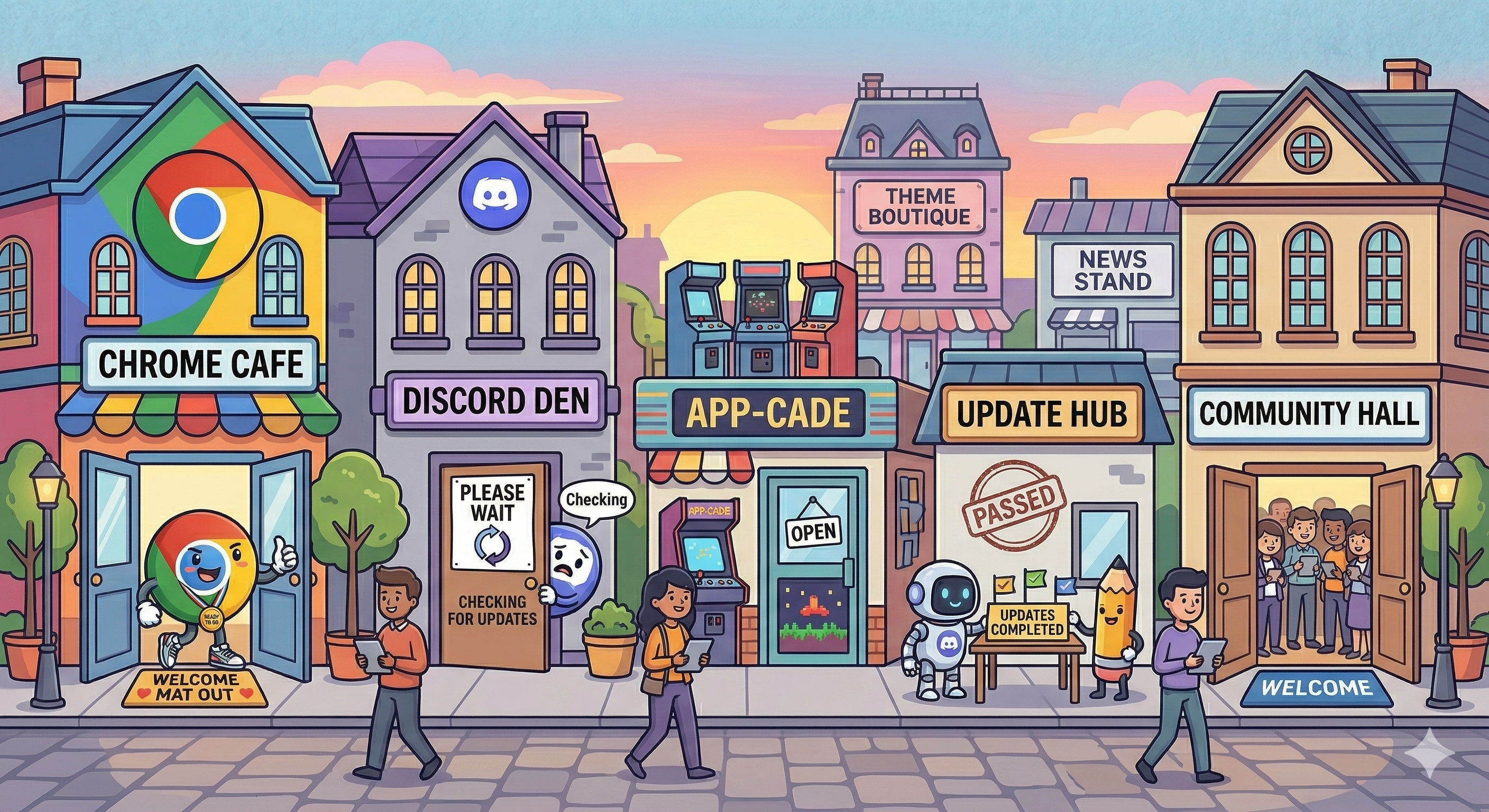
Slack and Spotify tend to update at launch, same as Discord. VS Code downloads in the background and shows a small notification when it's ready, closer to Chrome's approach. Windows is the most heavy-handed version: silent downloads for days, then a restart notification that grows increasingly hard to ignore.
That loading screen
Next time Discord makes you wait before it opens, you know what's actually happening. A small program is running a version check, possibly pulling down something new, verifying the file wasn't corrupted, applying it — and then finally getting out of the way.
A few seconds. Every single launch. By design.